



| App Name Funky Bay: Farms and Adventures | Package com.belkatechnologies.fe | Rating 3.4 ( 7.066) |
| Version 45.64.1 | Developer SAMFINACO LTD | License Free |
| Downloads 10 M+ | Update Nov 14, 2023 Android, Windows* | Report Report App |


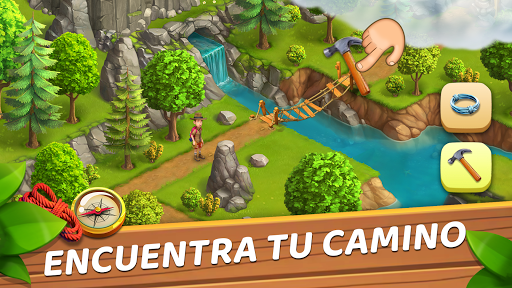
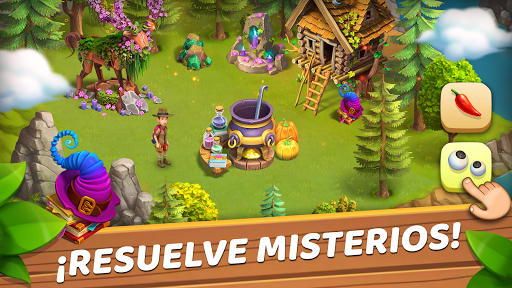
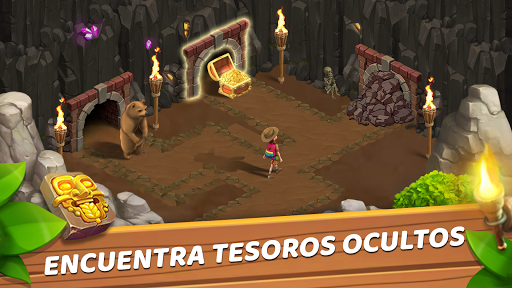
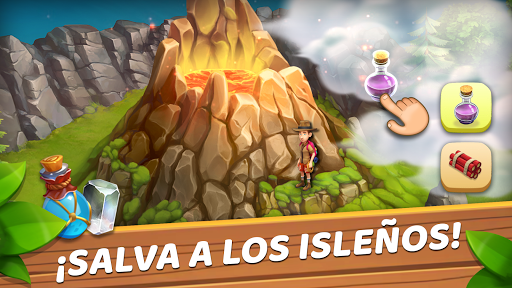
This post is being reviewed, we will soon expand the content about "Funky Bay: Farms and Adventures" and we could include Features, Pros, Cons and other details that could provide you with more information about the App.
Thank you for your visit! 😉
You can also add your opinion.
We haven’t found an Analysis for this App.
You can also add your opinion.
Available Download Options: You can download the app in APK format, from alternative Mirror links in the "Download APK" option, or you can install it directly from the official app stores (Google Play, App Store, Microsoft Store).
You can download the app for Android phone directly from the Google Play Store you must open the link:
https://play.google.com/store/apps/details?id=com.belkatechnologies.fe&hl=en&gl=US
If you also want to search for the iPhone, iPad or iOS version, you can go to the following link of the Apple AppStore:
https://www.apple.com/us/search/Funky Bay: Granjas y Aventuras?src=globalnav
You can also search for the Windows version by opening the Microsoft App Store:
https://apps.microsoft.com/store/search/Funky Bay: Granjas y Aventuras?hl=en
If the version does not exist, you can also download the app directly to your computer in free apk file format, and run it on an Android emulator for PC (BlueStacks, Nox Player, MEmu Play, KO Player, Genymotion) and in this way, you will be able to open the application on Windows, Mac OS, or even Linux devices.
And if you want to get more information about the application, you can also go to the website of the developer SAMFINACO LTD. There you can make inquiries and get support from the app's development team.
on your cell mobileto your mobile device:
following the steps indicated in the app, make sure to read the texts it shows you before selecting the options. Funky Bay: Farms and Adventures on your computer or PC through an android emulator, and also on a tablet if the developer has created a compatible version.
Note: This is an application that allows its free download, you can obtain the original version from different repositories and without Mod type modifications.
Have you tried the app?, Don’t forget to leave us your opinion... 👇
👨💻 Are you the developer of this game/app?
You can claim your Game's Profile...
Contact us...👇
Copyright© 2019 - 2026 | Download Free Apps at APKCart